
Accessories
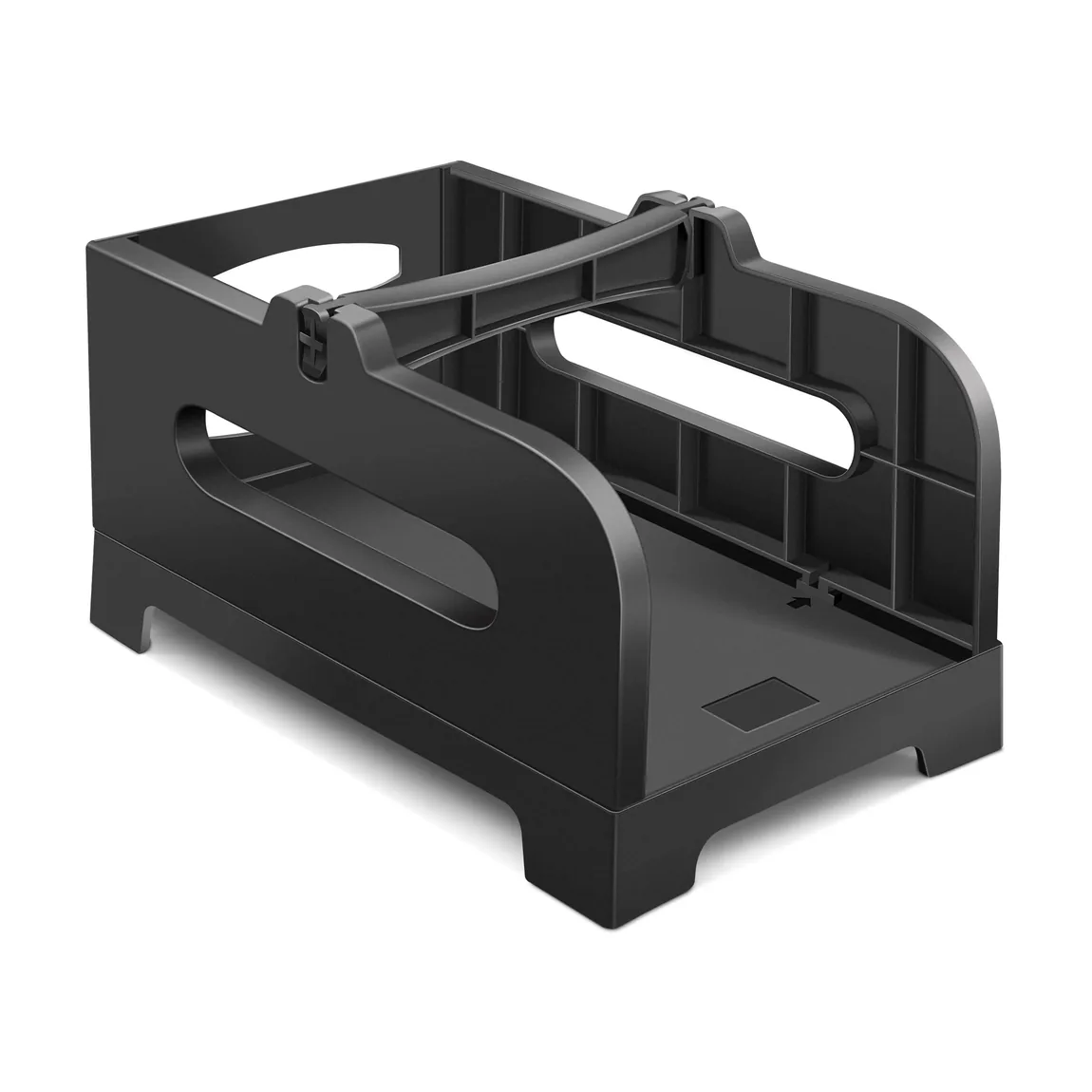
Thermal Label Holder
Keep fanfold and roll labels aligned beside your printer.
View productPolono catalog
Polono printer accessories help keep selected devices and media organized between printing tasks. This category includes purpose-sized carrying cases for the P31S and PM220S label makers, plus a desktop thermal label holder for fanfold or roll media. Choose an accessory by checking the exact printer or label format it is designed to support, its dimensions, material, and the way you plan to store or move the setup. Our cases are model-specific rather than universal printer bags, while the holder is intended to guide compatible labels beside a workstation. Polono groups these practical additions separately so their role and compatibility remain clear.
Keep fanfold and roll labels aligned beside your printer.
View product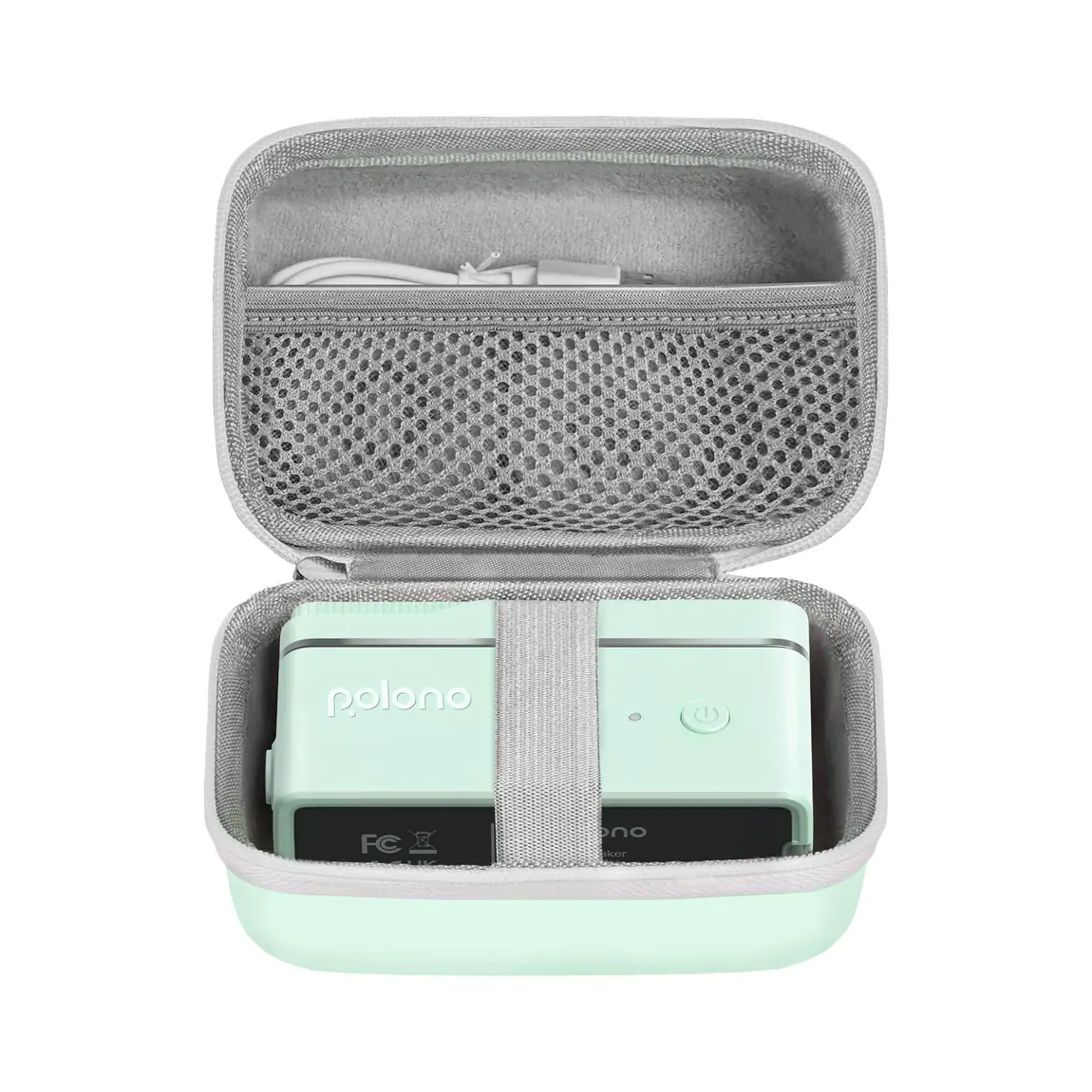
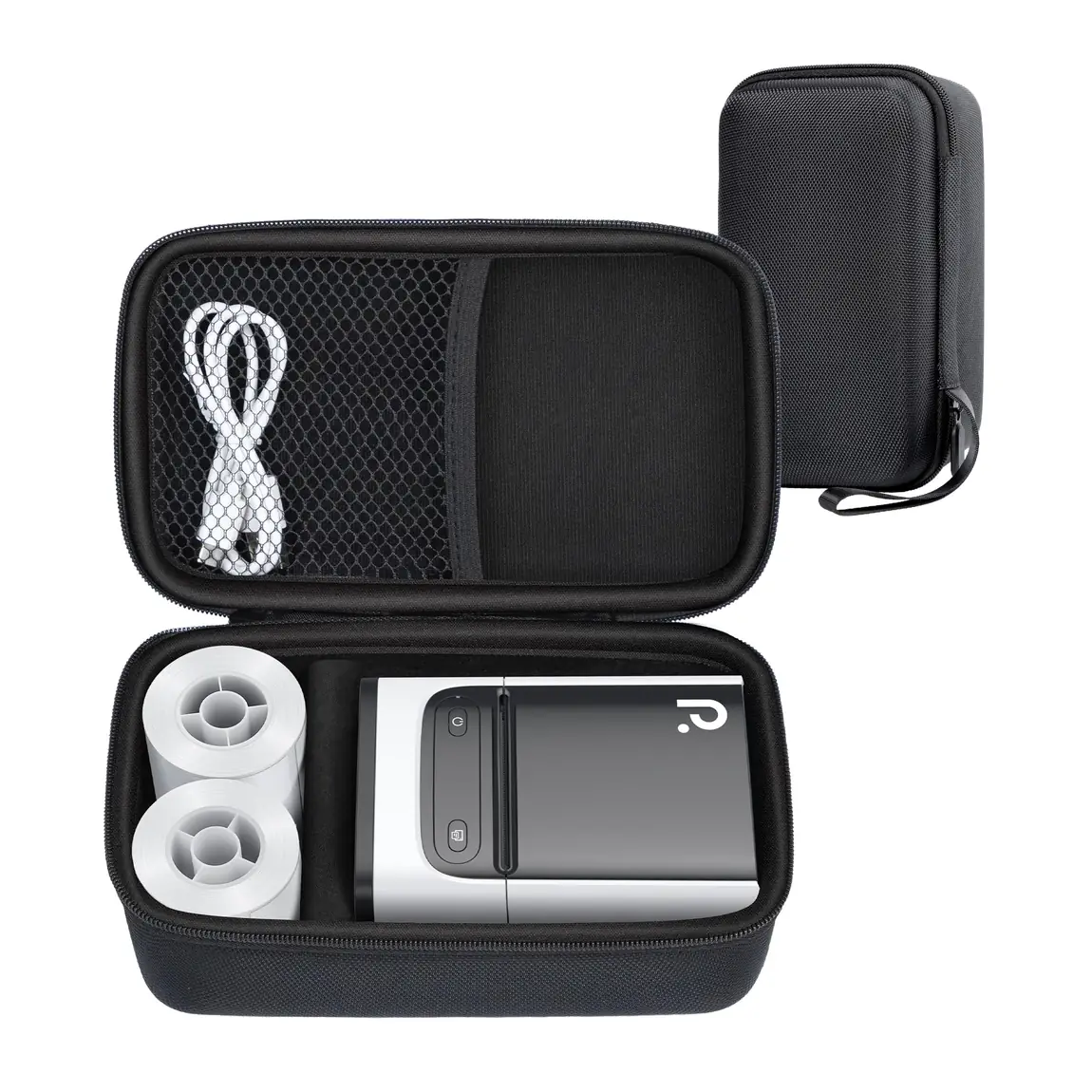
A dedicated case for the PM220S and its essential accessories.
View productKeep exploring
Pair your selection with compatible media, portable printing options, and workstation accessories across the Polono catalog.
Frequently asked questions
Clear answers about choosing and using products in this Polono category.
A travel case is a container shaped to store and carry a particular device or set of items. Polono offers dedicated cases for the P31S and PM220S label makers. These are case-only accessories, so choose the case that names your model and review its dimensions and materials rather than assuming one case fits every printer.
Place a printer carrying case in a clean, dry location where it will not be crushed or obstruct access to the device. Before storing a Polono label maker, organize the printer and compatible accessories within the dedicated case without forcing the fit. Follow the printer's own storage guidance for any device-specific requirements.
A label holder keeps roll or fanfold labels positioned beside a compatible printer. The Polono Thermal Label Holder is intended to keep media aligned at a desktop shipping station. Check the label format and available workspace before choosing it, and remember that the holder organizes the media; it does not print the label itself.
To load a desktop label holder, place the compatible roll or fanfold stack so the labels feed straight toward the printer. With the Polono Thermal Label Holder, keep the media aligned and avoid twisting the label path. Because holder and dispenser designs vary, use the product dimensions and your printer's media-loading instructions to confirm the correct orientation.
Store thermal labels in a clean, dry place and keep the media organized for the printer that uses it. A Polono desktop holder can keep an active roll or fanfold stack aligned beside a shipping printer, while unopened or unused media should follow any storage directions on its packaging. Confirm label size and printer compatibility before returning media to a workstation.