
Shipping Label Printers
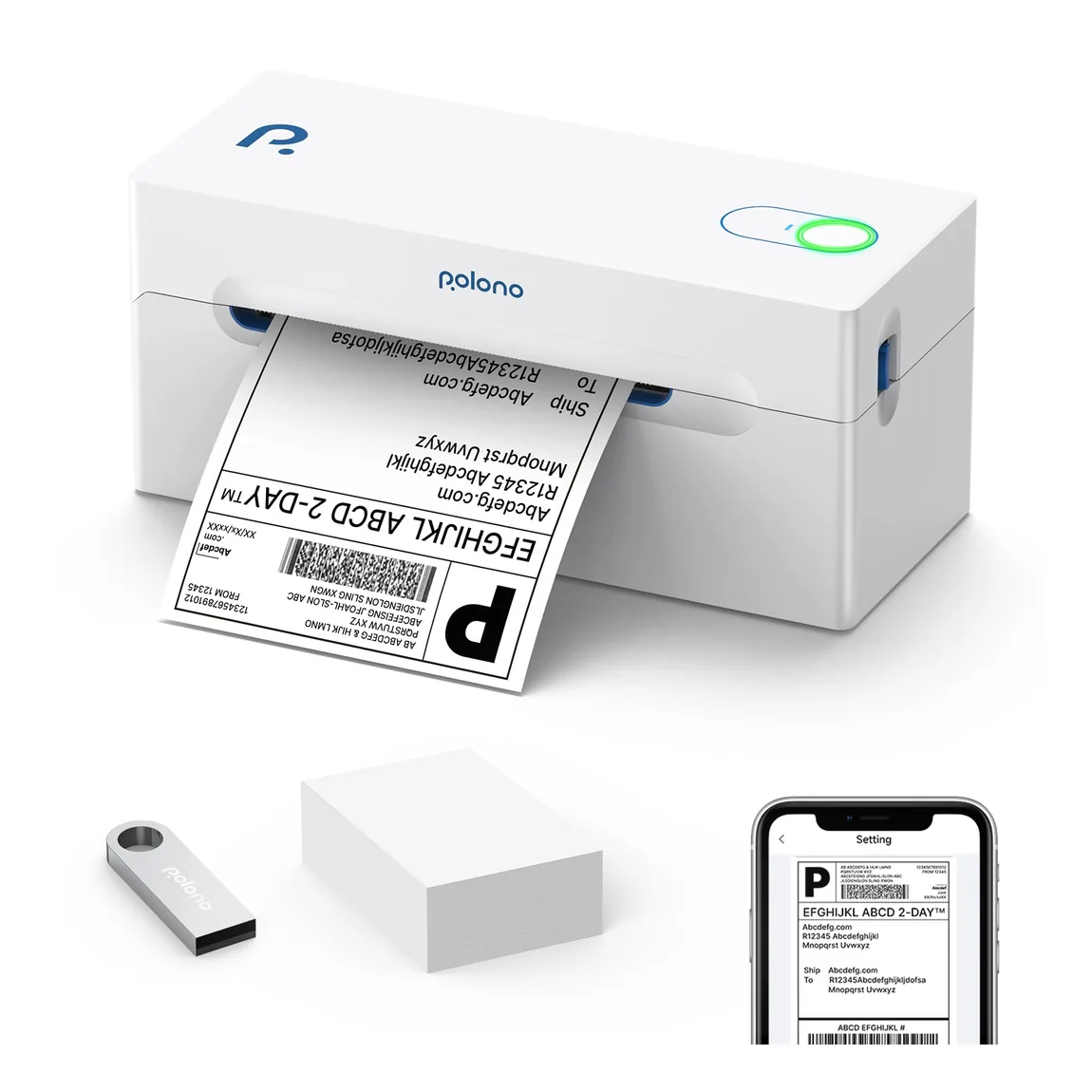
PL70E Bluetooth Shipping Label Printer
Wireless 4 × 6 label printing for busy shipping desks.
View productPolono catalog
Polono shipping label printers help turn digital orders into clear, ready-to-apply labels for everyday packing workflows. Our range focuses on direct thermal printing for common 4 × 6 shipping labels, so there is no ink cartridge to replace. When choosing a model, consider where you print, the devices you use, and whether Bluetooth or USB connectivity better fits your workstation. Also check the label format and media setup required for your orders. We organize our printer options by task and pair them with compatible Polono labels and a desktop holder, making it easier to assemble a practical shipping station.
Wireless 4 × 6 label printing for busy shipping desks.
View product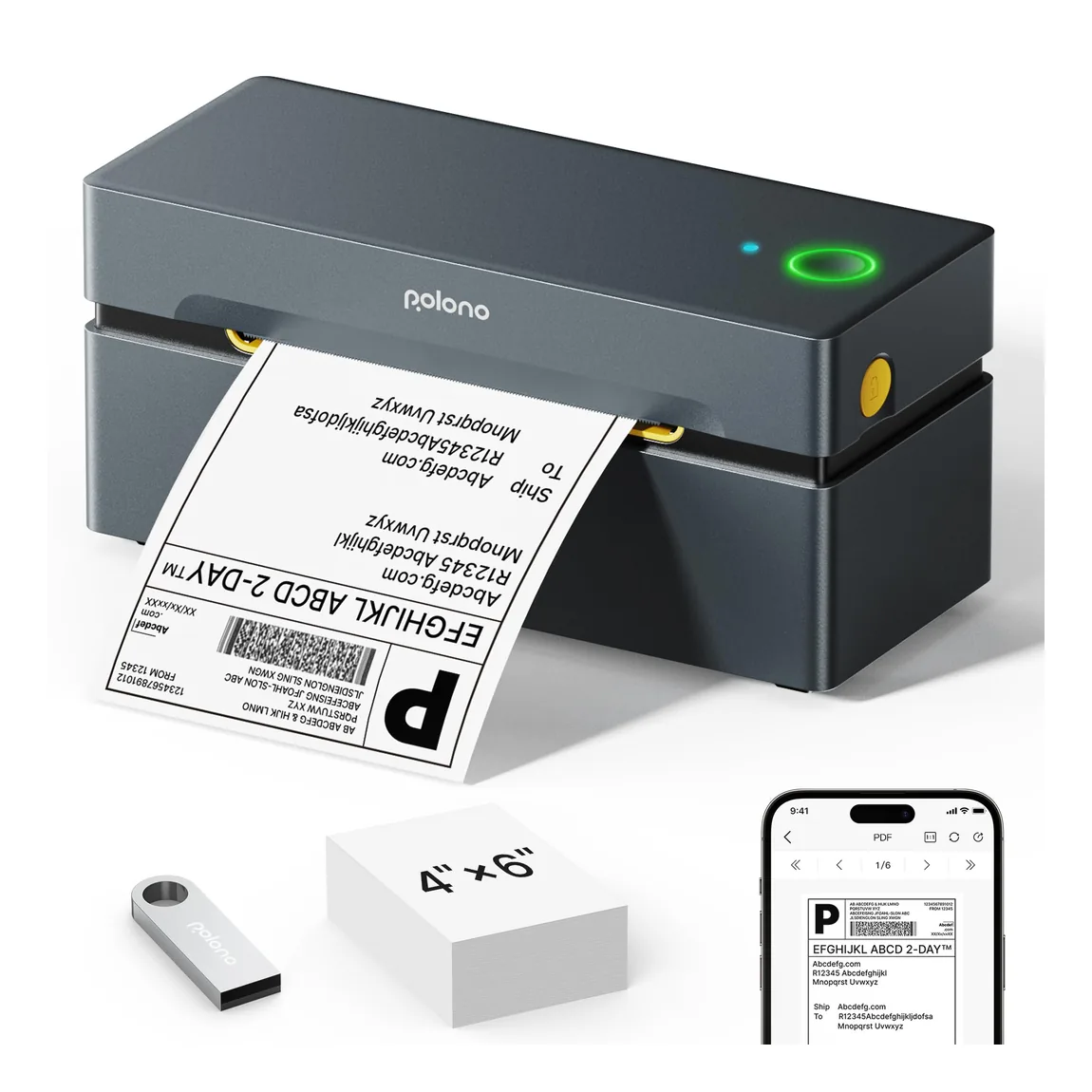
A compact wireless printer for everyday 4 × 6 shipping labels.
View product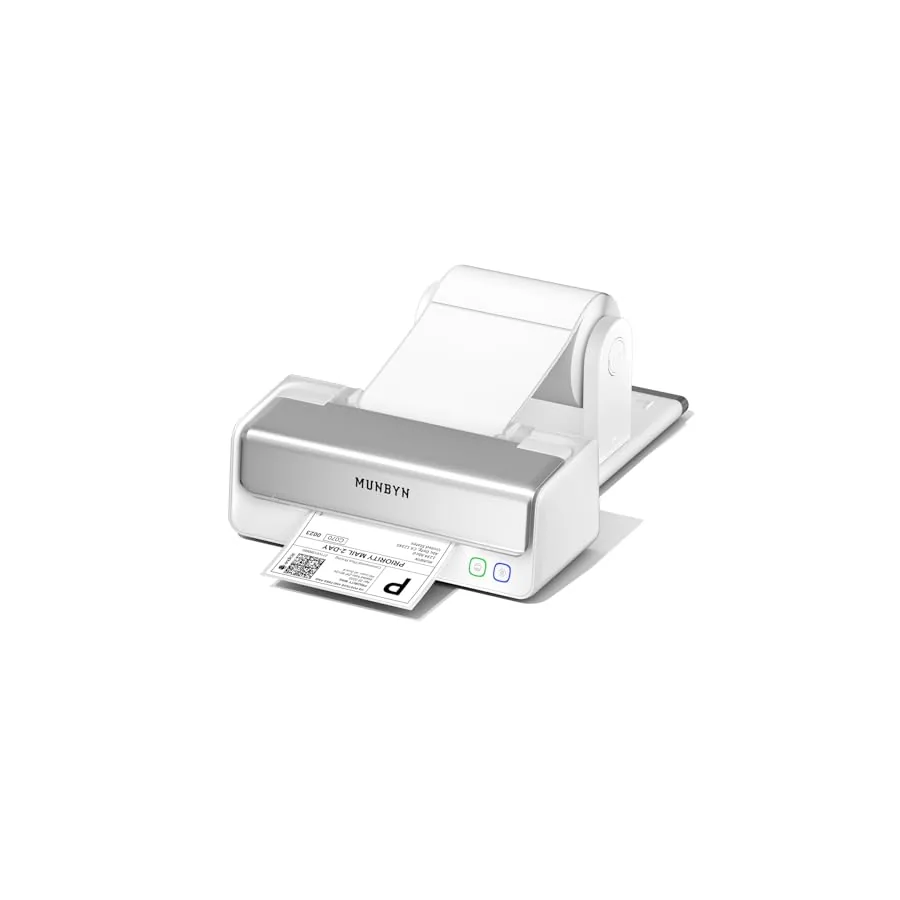
A focused shipping-label solution for small-business workflows.
View productKeep exploring
Pair your selection with compatible media, portable printing options, and workstation accessories across the Polono catalog.
Frequently asked questions
Clear answers about choosing and using products in this Polono category.
The best shipping label printer is the one that matches your label size, device, connection method, and daily packing setup. Polono offers direct thermal models for common 4 × 6 shipping labels, including Bluetooth and USB options. Compare where you will print, which computer or mobile device you use, and whether your labels are fanfold or roll media before choosing a model.
Direct thermal shipping label printers do not need ink, toner, or a ribbon. Polono shipping label printers use heat-sensitive direct thermal labels, so the label media creates the printed image when it passes through the printer. Use labels made for direct thermal printing and confirm that their size matches your chosen printer and shipping workflow.
Shipping label printers create a label from information sent by your computer or mobile device. Polono direct thermal models apply controlled heat to compatible thermal media, producing the shipping label without liquid ink. Your shipping platform creates the label file; the printer outputs it at the selected size. Connectivity and setup vary by model, so choose the Polono option that matches your device and workstation.
A shipping label printer's price depends on the model, connectivity, and included configuration. Polono displays a static price on each product page so you can compare the current recorded options before visiting Amazon. Amazon may change price or availability, so use the Shop on Amazon button on the model page to confirm the live purchase details.
To use a shipping label printer, connect the compatible device, load the correct direct thermal labels, and print a label file at the media's intended size. With a Polono model, follow the connection method and supported devices listed on its product page. Check the preview before printing so the barcode, address, and edges fit the label rather than being scaled or clipped.