
Labels & Supplies
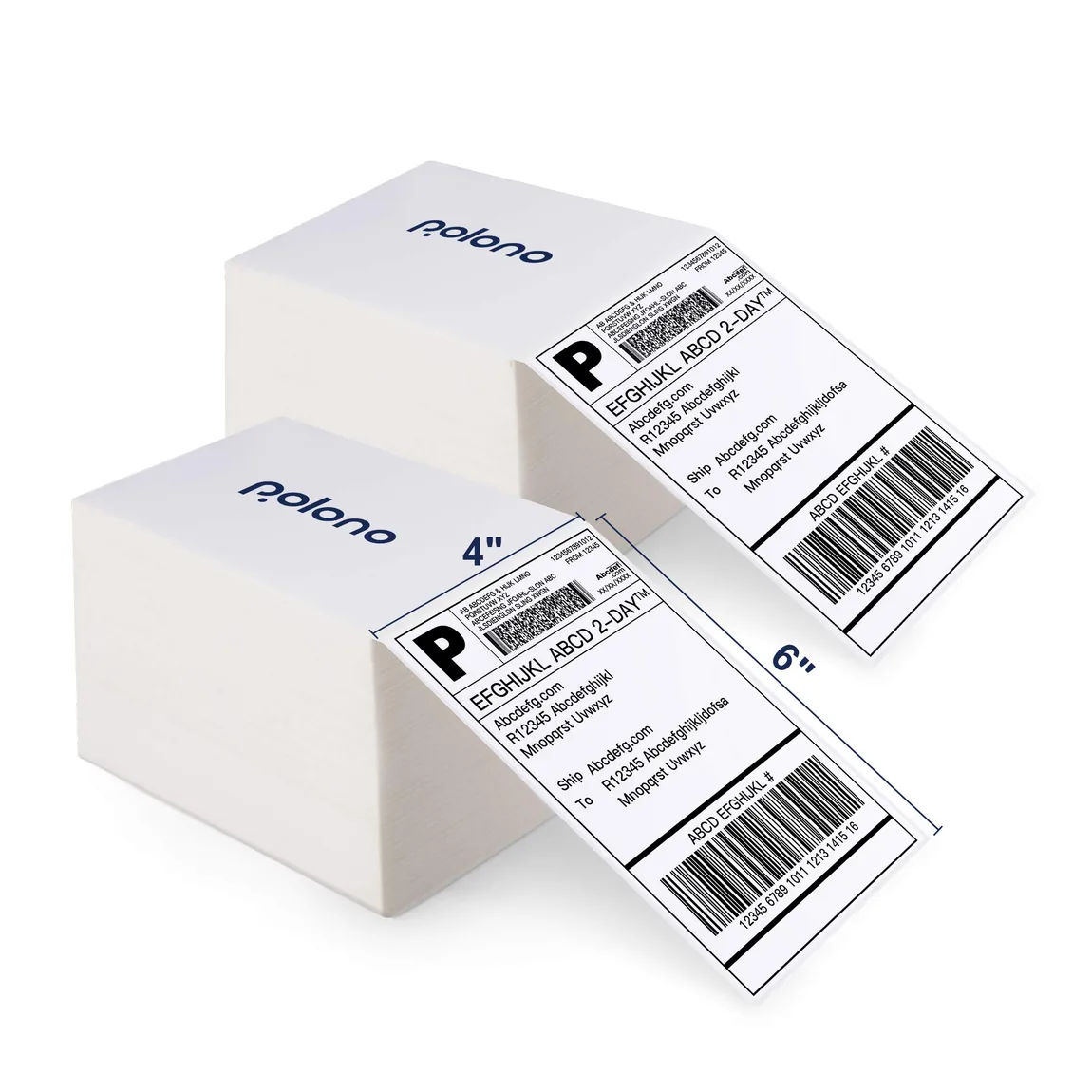
4 × 6 Thermal Shipping Labels
Direct-thermal shipping labels in fanfold and roll formats.
View productPolono catalog
Polono labels and supplies cover the media formats used across our shipping printers, compact label makers, and portable document printer. The range includes 4 × 6 shipping labels, smaller direct thermal labels in multiple shapes and sizes, label-maker rolls, US Letter thermal paper, and specialized transfer paper. Start by matching the media to your exact printer model and intended output. Then compare dimensions, format, color, material, and unit count to choose the right option for your workflow. We organize Polono media by use and compatible device so you can review practical choices without treating every thermal label or paper format as interchangeable.
Direct-thermal shipping labels in fanfold and roll formats.
View product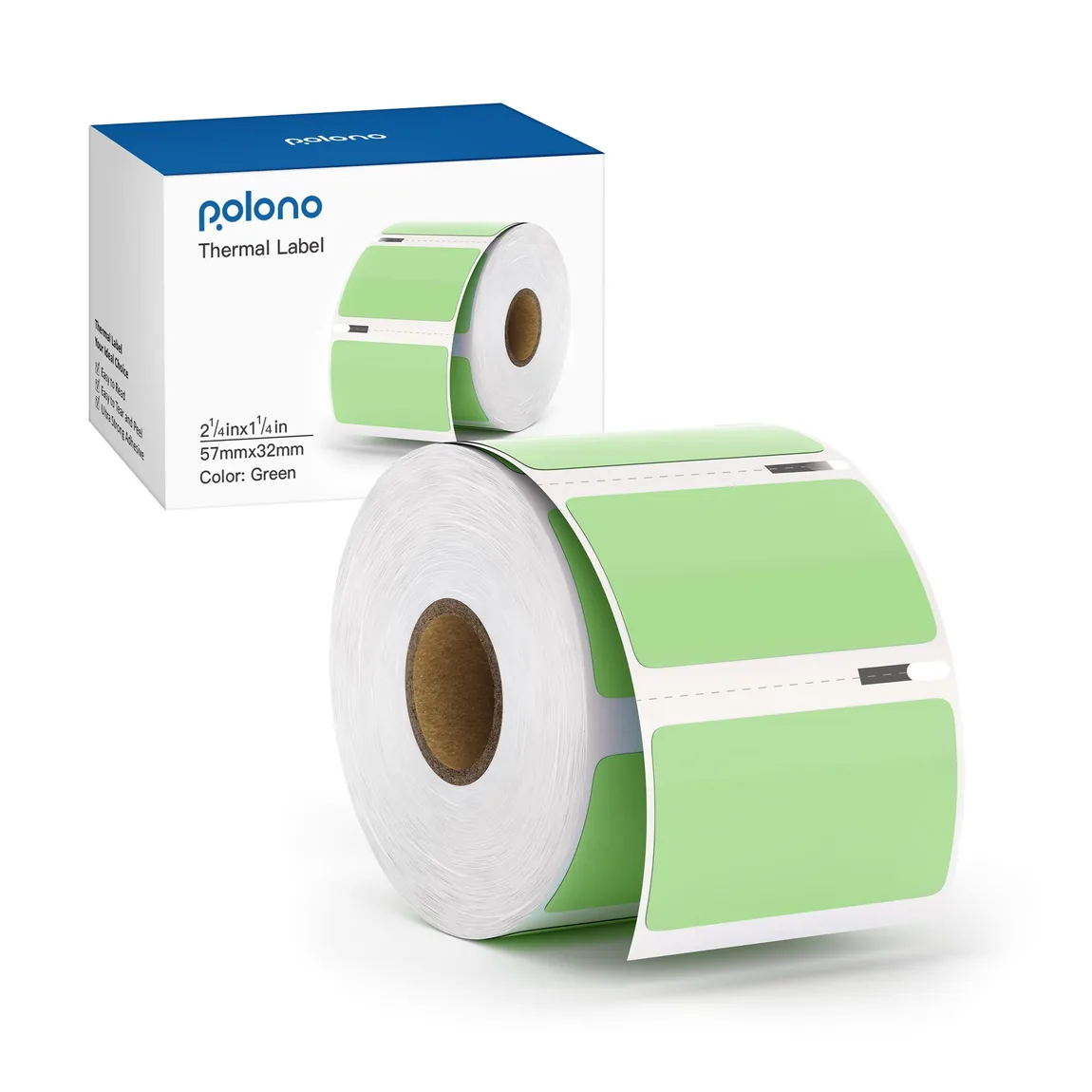
Compact labels for barcodes, addresses, inventory, and everyday identification.
View product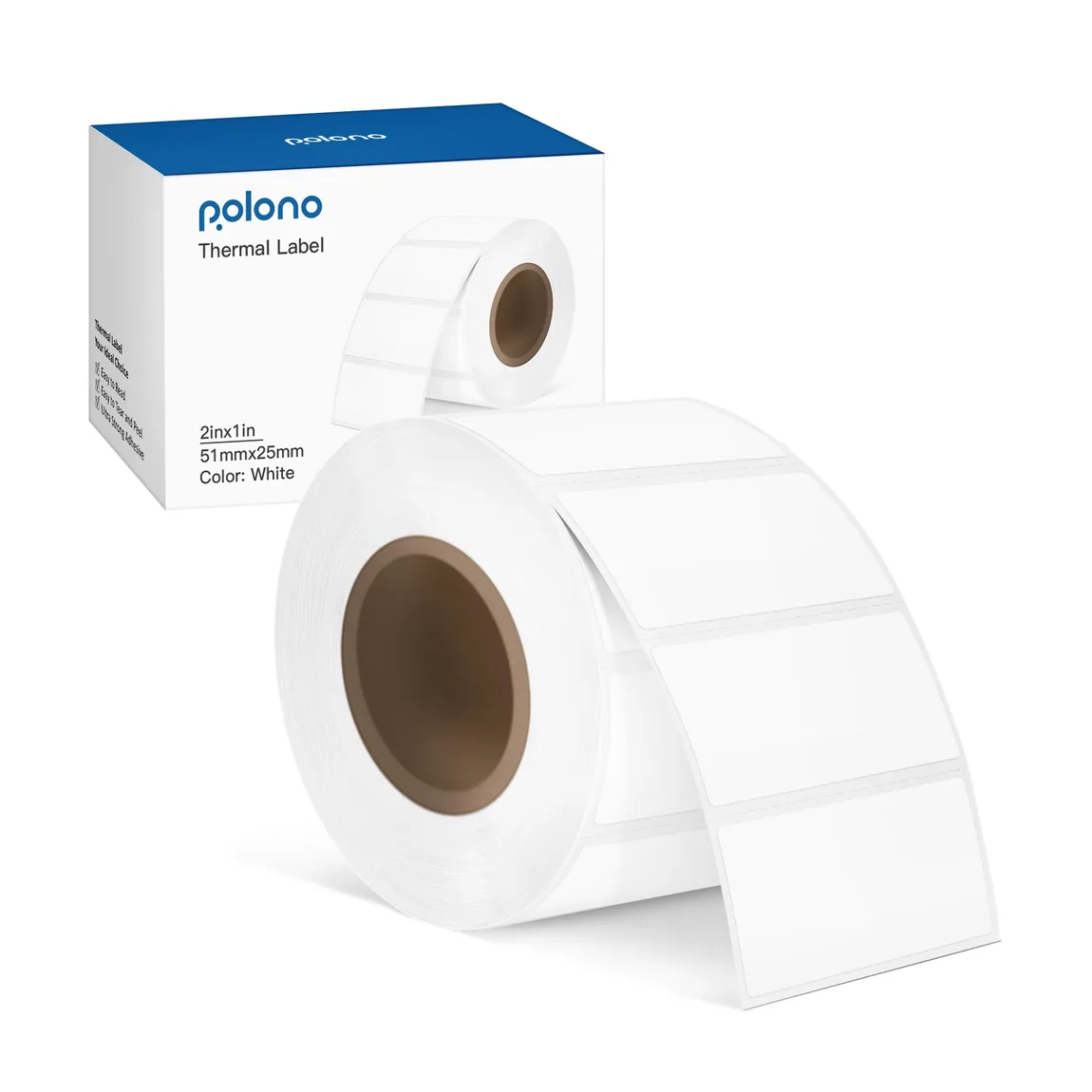
A compact white label format for addresses, barcodes, and small packages.
View product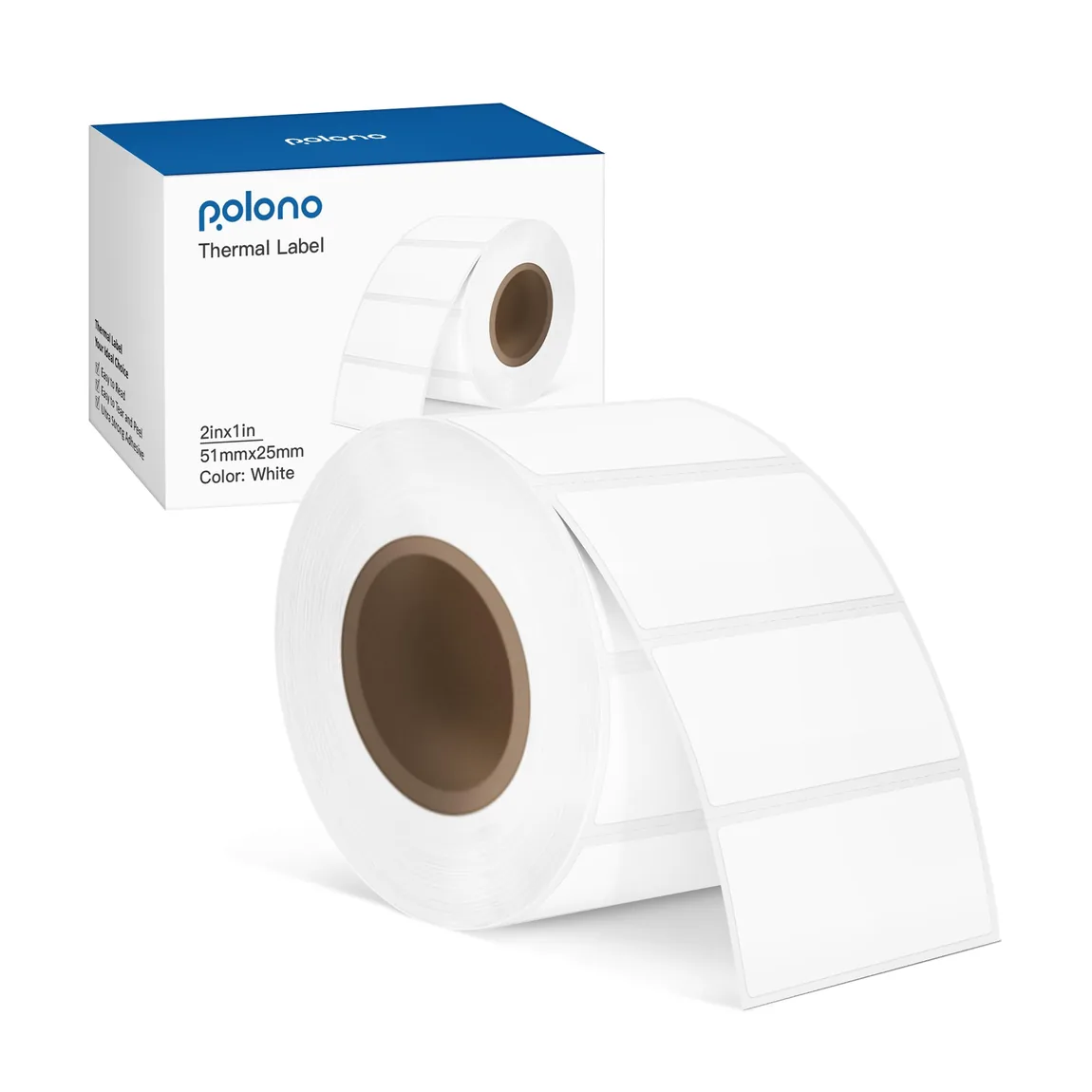
A wider label format for addresses, barcodes, and product identification.
View product
More printable space for barcodes, addresses, and inventory details.
View product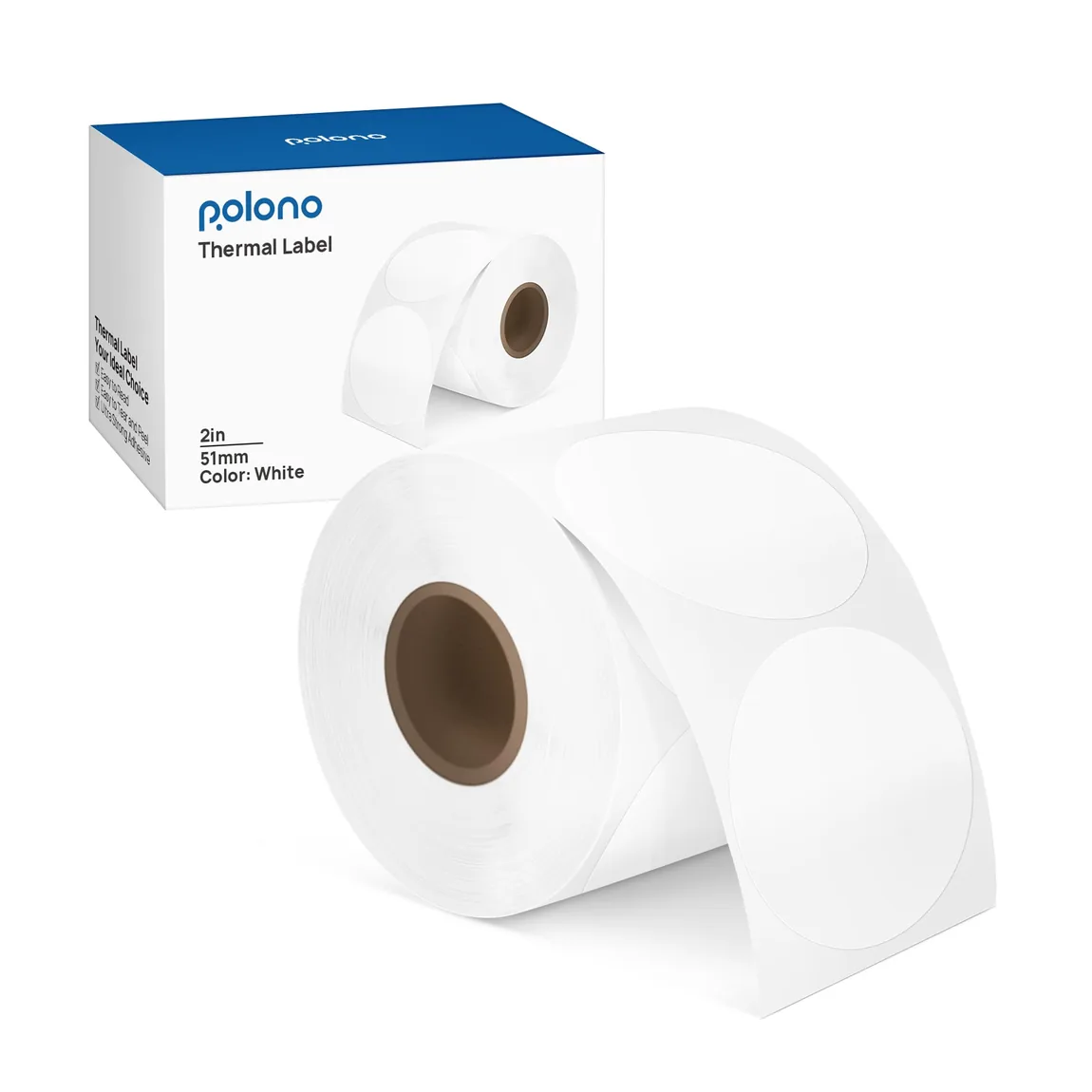
Round thermal stickers for branding, inventory, names, and codes.
View product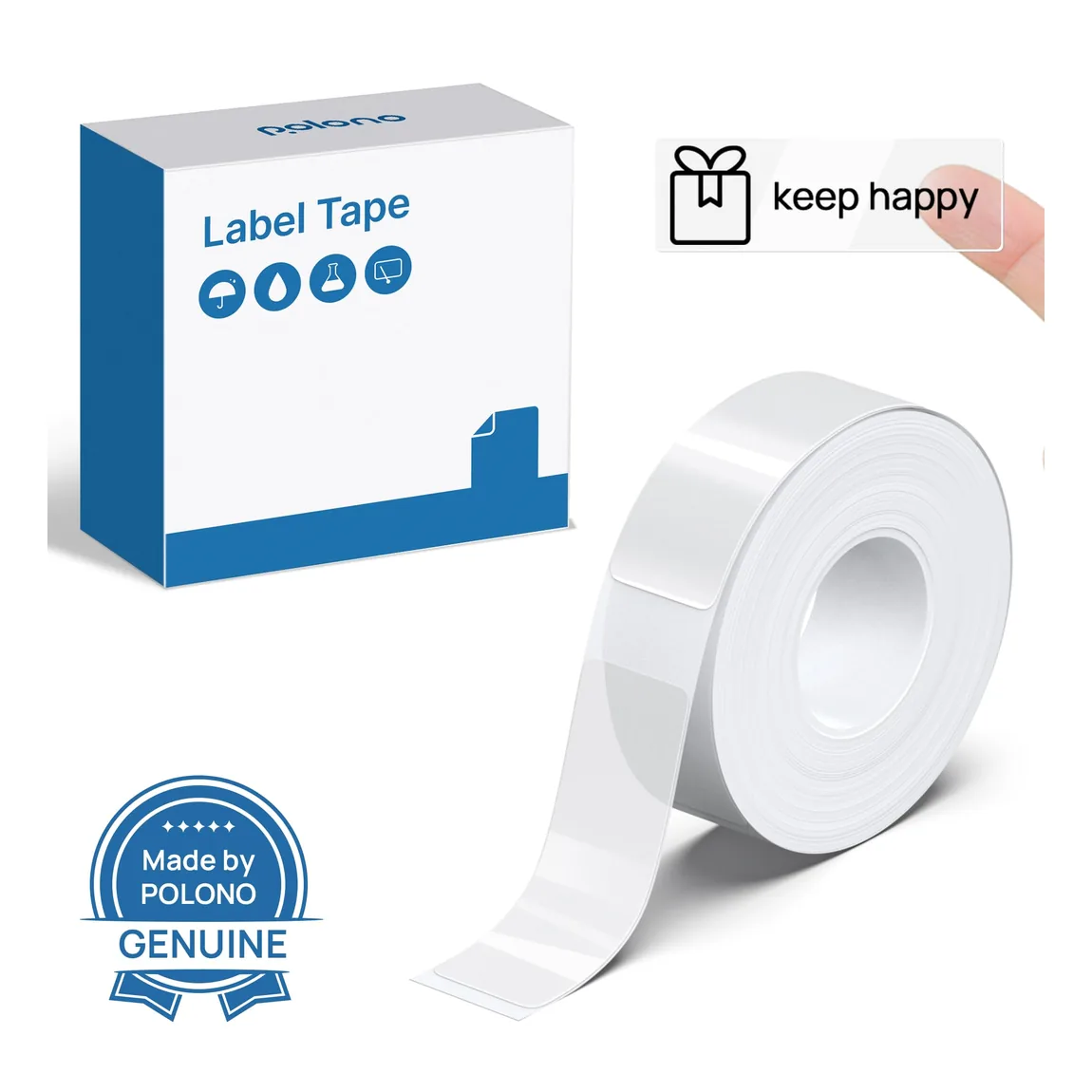
Purpose-sized label tapes for P31S organization projects.
View product
Purpose-sized thermal label rolls for the PM220S label maker.
View product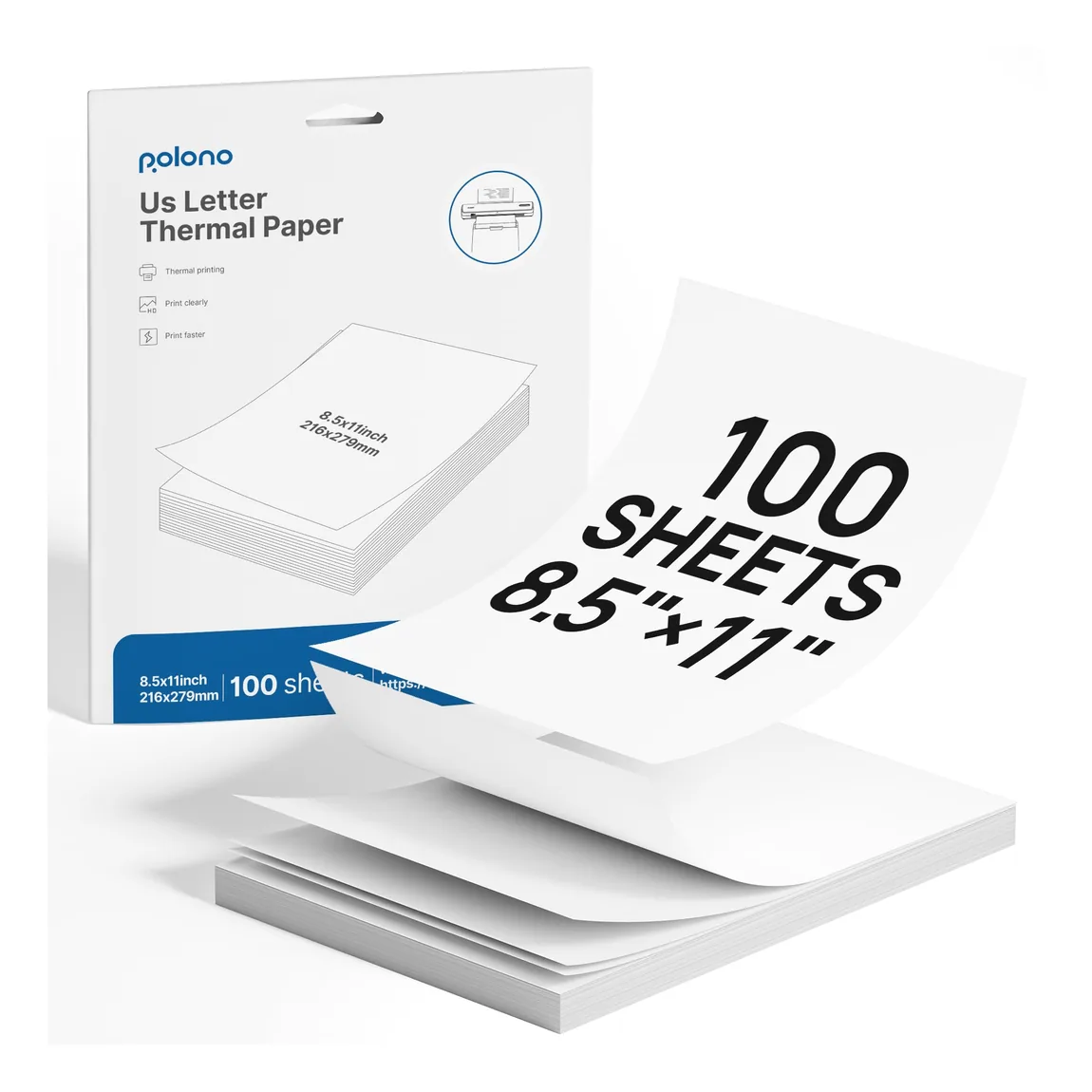
US Letter thermal paper sized for portable D810 printing.
View product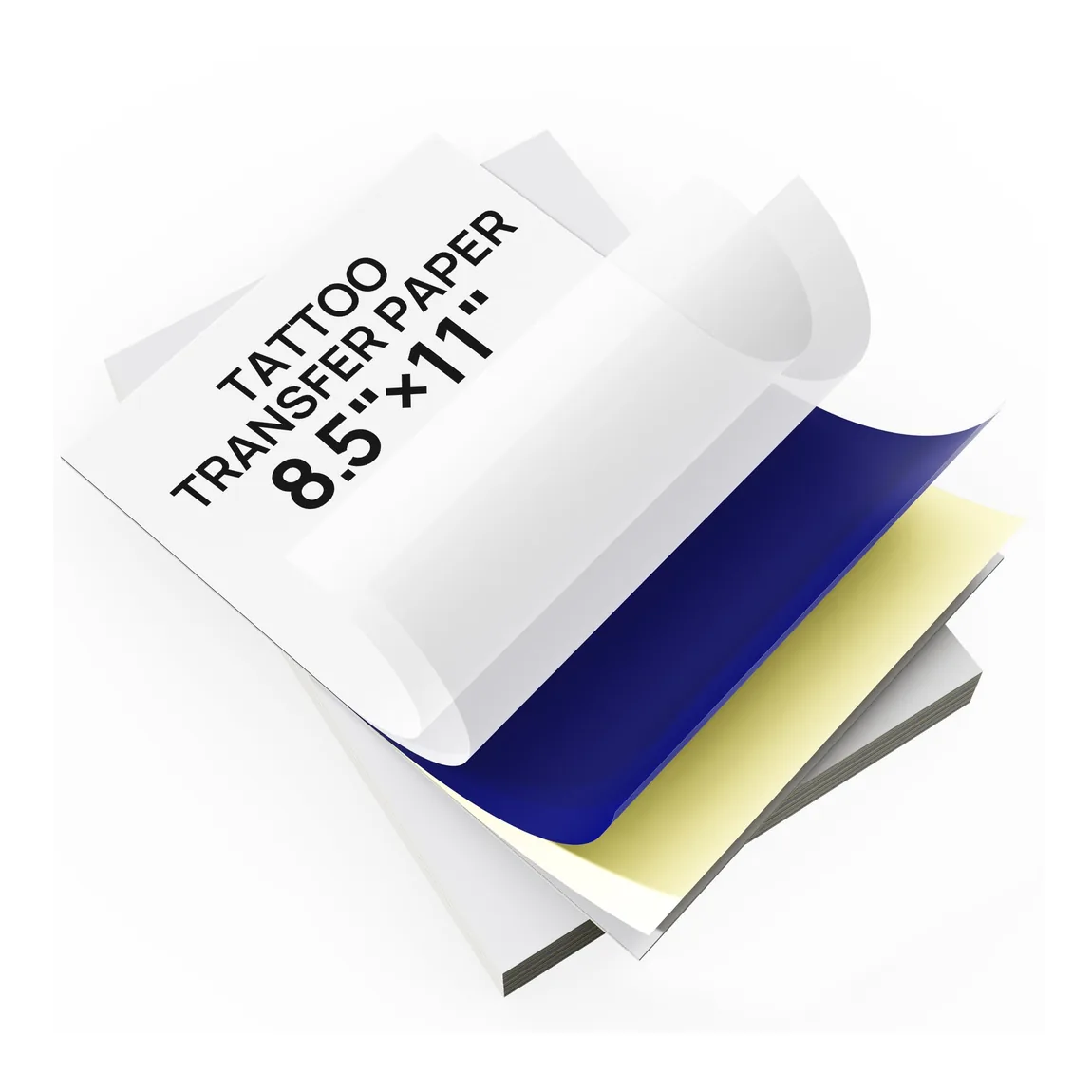
A4 thermal stencil paper for tattoo transfer workflows.
View productKeep exploring
Pair your selection with compatible media, portable printing options, and workstation accessories across the Polono catalog.
Frequently asked questions
Clear answers about choosing and using products in this Polono category.
To print shipping labels, create the label in your shipping service, choose the correct label size, and send the file to a compatible printer. With a Polono direct thermal shipping printer, load matching thermal labels and check the print preview before output. Make sure the address and barcode fit inside the label edges without unwanted scaling or clipping.
You can print shipping labels wherever you have access to the label file and a compatible printer. A Polono shipping-label setup can be used at a packing desk or another suitable workspace with the supported computer or mobile connection. Match the printer to the label dimensions and load compatible direct thermal media before printing.
To make a shipping label, enter the shipment details in the shipping service you use and generate its printable label file. Polono provides the printer and compatible media for output, not the carrier information itself. Before printing, confirm that the file size matches your thermal label format and review the address and barcode placement.
Shipping labels often use direct thermal printers because compatible heat-sensitive media produces the label without an ink cartridge or toner. Polono shipping printers are organized around common 4 × 6 thermal labels and practical packing workflows. Always match the label format to the printer and check that the generated label file is sized correctly before printing.
Thermal labels are media designed to form a printed image through heat. Polono carries direct thermal labels in formats for shipping printers and compact label makers, including different sizes and shapes. Choose labels by compatible printer, dimensions, material, color, and intended task; a roll or sheet made for one device should not be assumed to fit every thermal printer.