
Label Makers
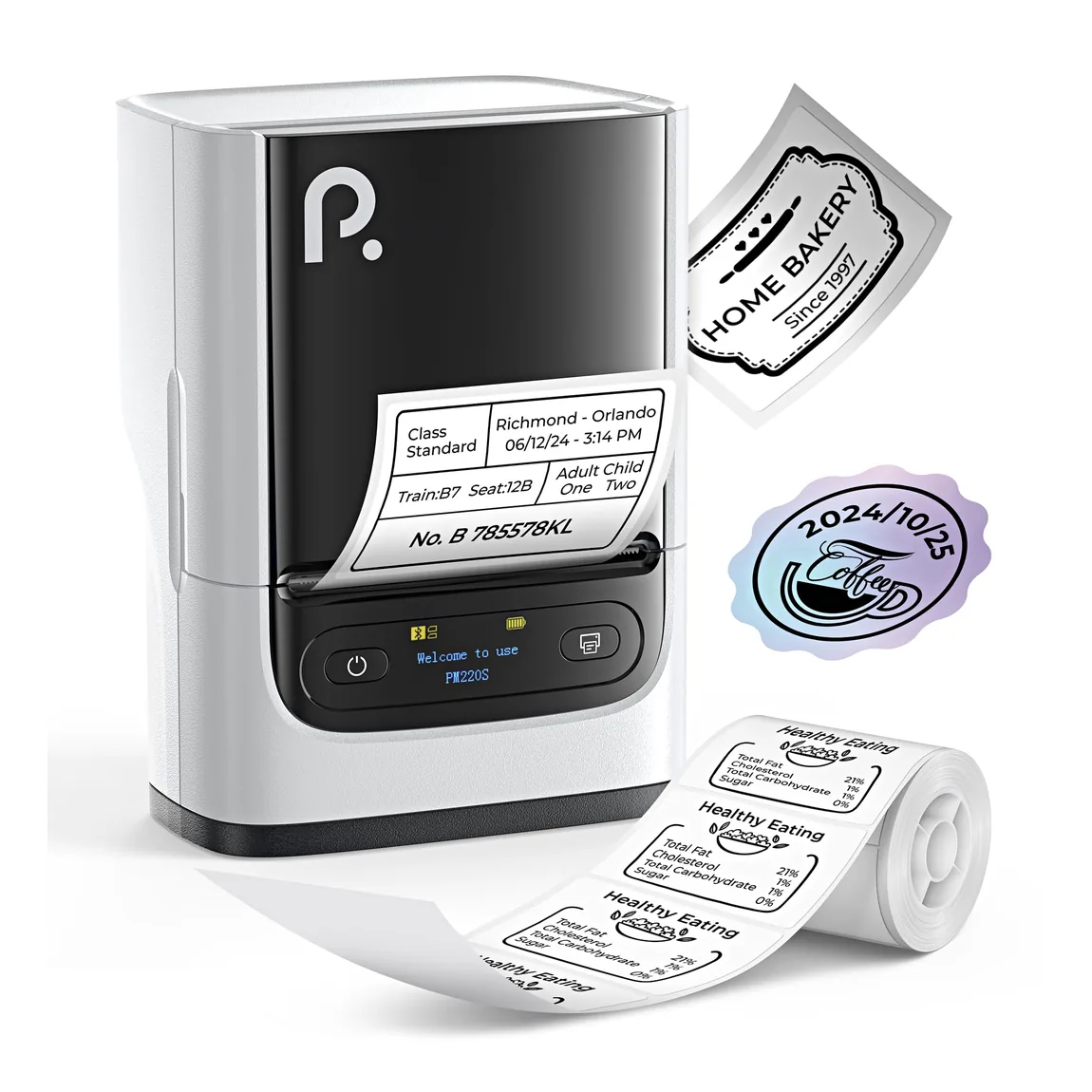
PM220S Bluetooth Label Maker
Flexible label creation for home, school, office, and business.
View productPolono catalog
Polono label makers turn everyday information into compact labels for home, school, office, and retail organization. Our Bluetooth-connected models use purpose-sized thermal rolls, keeping the setup focused on the label format rather than ink cartridges. When selecting a label maker, consider the width and style of labels you need, the device used to create them, where the printer will be stored, and whether you expect to carry it between spaces. The Polono catalog groups each label maker with compatible tape or label-roll options and dedicated carrying cases, helping you review the device, media, and storage pieces as one practical labeling setup.
Flexible label creation for home, school, office, and business.
View product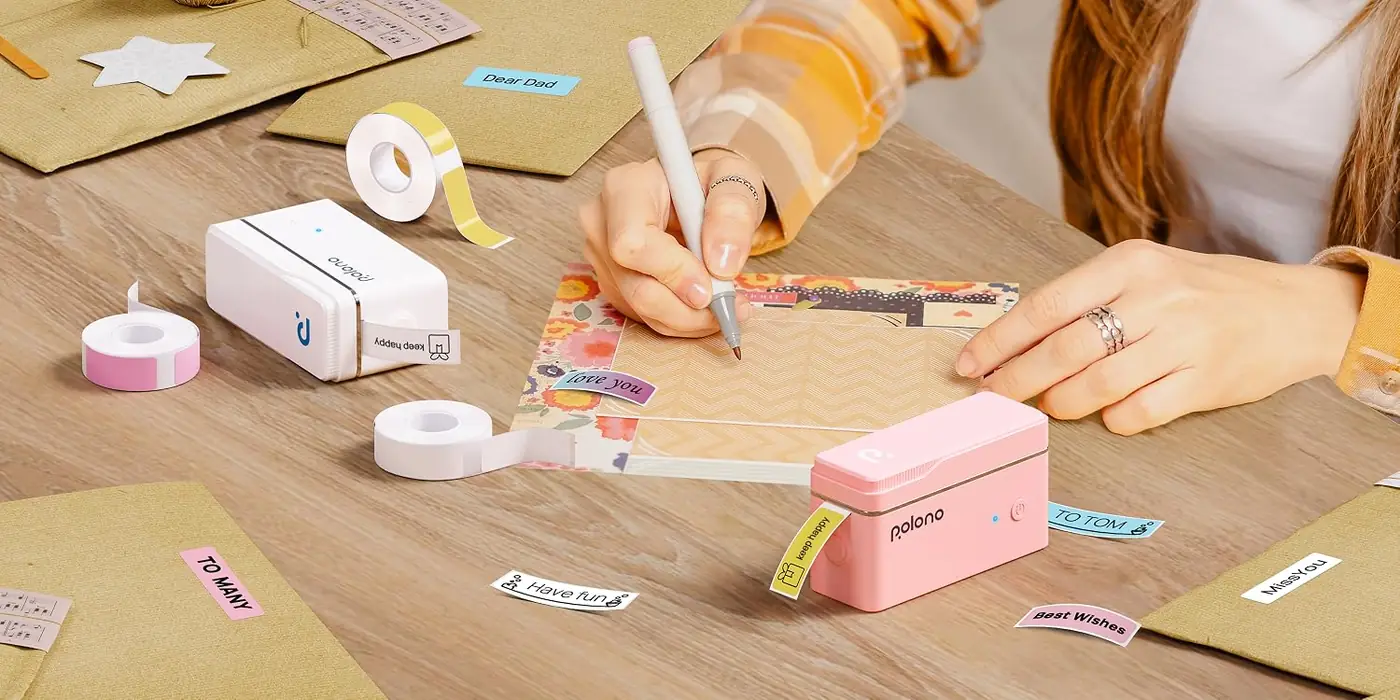
A compact label maker supplied with tape for quick organization.
View productKeep exploring
Pair your selection with compatible media, portable printing options, and workstation accessories across the Polono catalog.
Frequently asked questions
Clear answers about choosing and using products in this Polono category.
The best label maker is the model that supports your preferred label size, connected device, media, and workspace. Polono offers compact Bluetooth label makers for organization tasks, with compatible thermal rolls listed separately. Compare the P31S and PM220S product details, then confirm the matching label media and whether a dedicated carry case would help your setup.
A thermal label printer creates labels by using heat with compatible thermal media. Polono label makers use thermal label rolls, so there is no liquid ink cartridge in the printing process. Thermal label printers vary in label size and intended task; check the supported media, connectivity, and product dimensions to determine whether a compact label maker or a shipping-label model fits your needs.
To use a compact label printer, connect the supported device, install the compatible thermal label roll, create the label, and check its preview before printing. For a Polono label maker, verify the model's connectivity and use media sized for that device. Keep text and graphics within the available label area so important content is not cut off.
A direct thermal label printer does not need ink, toner, or an ink ribbon. Polono label makers print on compatible heat-sensitive thermal rolls, which create the image when heated by the printer. Choose the roll made for your specific label-maker model and intended label size, because media formats are not interchangeable across every Polono printer.
A label printer can be worth it when you repeatedly organize items, spaces, inventory, or routine information with consistent labels. Polono recommends comparing the labels you need with the model's media size, connectivity, and storage requirements. A compact label maker is a better fit when its supported format matches your tasks; it is not a substitute for every document or shipping-label printer.