A candle label maker is easier to evaluate when the label requirements are already clear. Start with the container, the artwork and the work involved in producing another batch—not with a list of machines.
For a small brand, the useful question is: which printing workflow fits the labels it plans to make? This guide develops a practical specification for comparing equipment, label stock and outsourced printing without ranking individual models.
Key takeaways
- Direct thermal printing creates an image on heat-sensitive media without ink, toner or a ribbon.
- Thermal transfer printing uses a ribbon and a heated printhead to transfer its coating onto the label material.
- Heat, light and abrasion are relevant limitations when evaluating direct thermal media; the printing method alone is not a candle-specific durability test.
- Printing in-house, outsourcing and combining the two are workflow options to consider against design changes and production quantities.
Explore Polono for an overview of our printing range, then check the exact media and output requirements for your candle-label design rather than assuming every printer fits the job.
Define the candle label before choosing the printer
Begin with an actual label design or a simple mock-up. Is the goal a front-facing brand label, a scent identifier, or another piece of information on the packaging? Write down what the proposed label must communicate before comparing Polono label makers.
The available label area needs to accommodate the container and the intended brand, fragrance and product information. A design for a collection should also leave room to distinguish its scent variants.
As a hypothetical example, a maker could sketch the same fragrance label in two versions: one with a color illustration and another with a simple text layout. Those are two different output requirements. The next step is to ask each equipment or print-service supplier whether it can reproduce the chosen version on the specified stock—not to assume that a product described as a “label maker” can deliver it.
Keep artwork requirements explicit: desired colors, label shape, text, any image, and the editable fields that change between batches. Treat these as questions for evaluation rather than features presumed from a category name.
Measure the jar, tin and label area
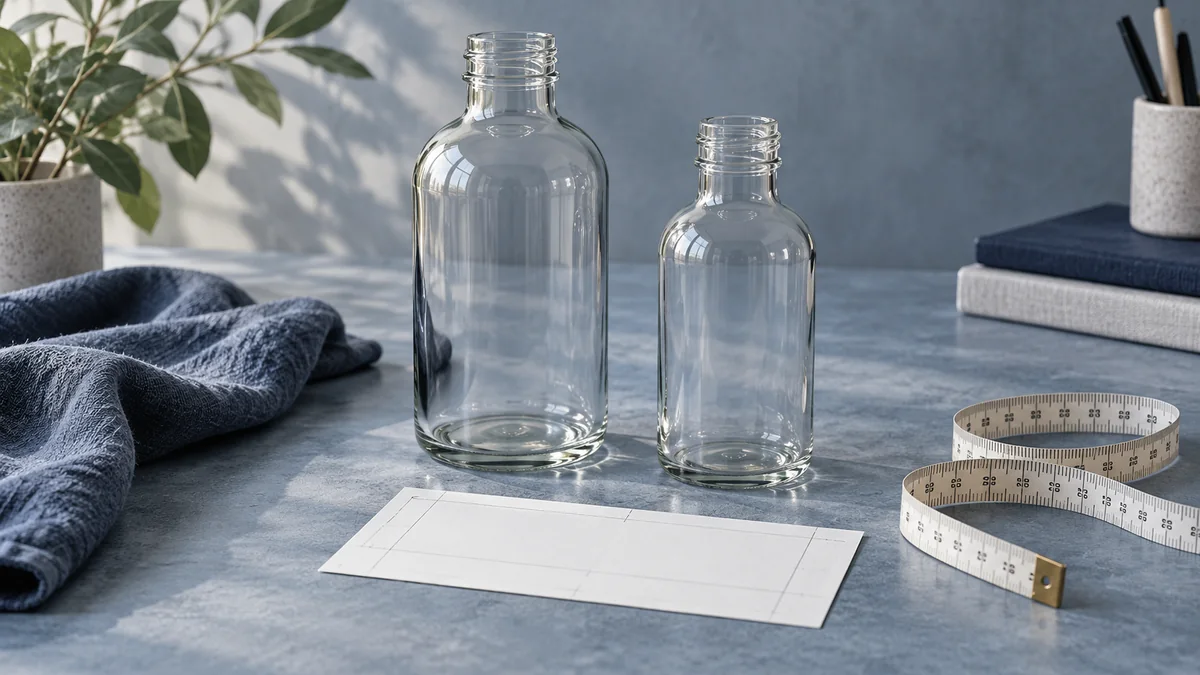
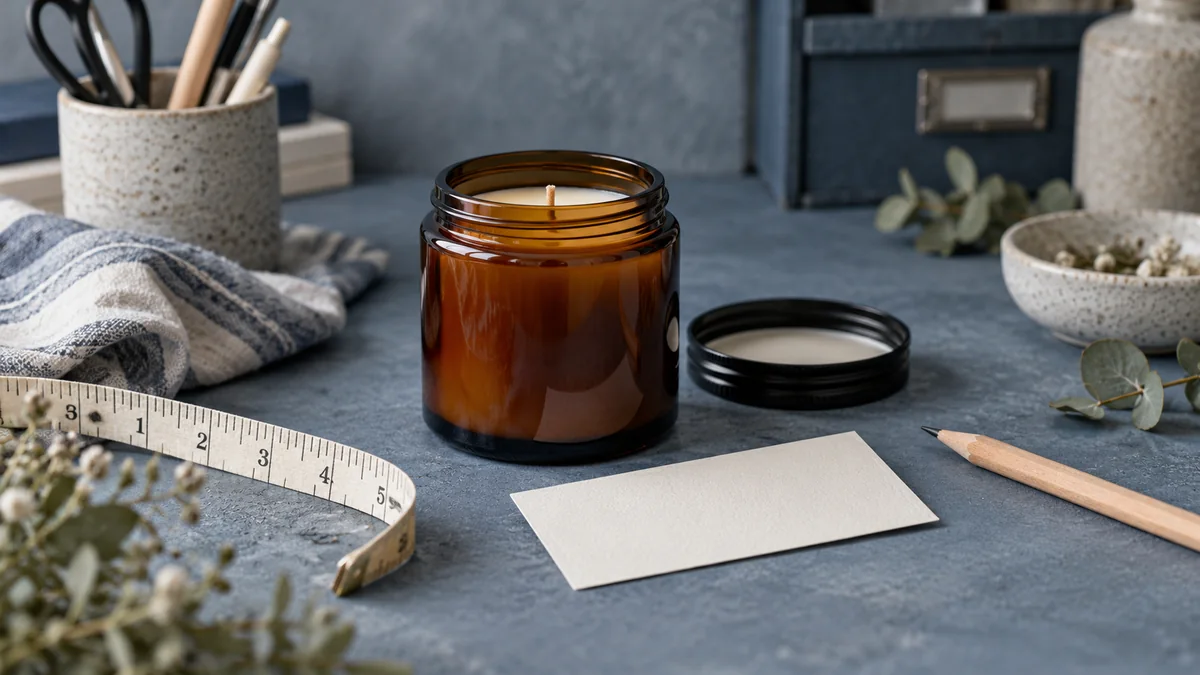
A paper cut-and-wrap mock-up offers a straightforward way to establish label dimensions. Wrap paper around the container, mark the intended edges, trim and adjust the shape, then lay it flat to measure the result.
Check the proposed dimensions against the information in the design as well as the surface where the label will sit. Container fit and space for the intended content are separate parts of the layout decision.
Record the finished width and height. For a round label, record its diameter. Keep the mock-up alongside the artwork when requesting samples or comparing specifications.
Use the mock-up to ask practical questions: does the design leave the desired space around the edges, is the fragrance name easy to find, and does the label occupy the intended area? A paper mock-up is a sizing exercise, not evidence that the final adhesive or printed image will perform under heat or moisture.
If the brand uses several containers, prepare a separate record for each one. Avoid turning one successful fit into an assumption about a different jar or tin.
For more container-sizing considerations, our bottle label maker guide explains how measurements, artwork and application fit together before selecting equipment.
Understand direct thermal and thermal transfer printing
The word “thermal” describes more than one process. Identify the actual printing method before evaluating media or recurring supplies.
Direct thermal printing uses chemically treated, heat-sensitive media that darkens under the printhead. It creates the image without a ribbon, toner or ink.
Thermal transfer printing applies heat to a ribbon with a wax or resin coating and transfers that coating onto the media. It is a different process from forming an image directly in heat-sensitive stock.
Direct thermal media can be sensitive to light, heat and abrasion. Images can fade, or the material can darken with excessive exposure. That is a general media limitation, not a measured temperature limit for every label product.
For a candle label maker, turn those distinctions into supplier questions. Which media is specified for the machine? What conditions is the finished label intended to face? What documentation applies to that exact stock? Do not infer a container-use rating from the printing mechanism alone.
When evaluating a color design, ask for an output sample made with the proposed printer and material. When evaluating ribbon-based equipment, ask which ribbon and media combination is specified. Neither request requires a model ranking; both make the intended result more concrete.
Match the label stock to the intended use
Appearance is only one part of candle-label material selection. Humidity and repeated handling are also conditions worth considering when choosing the stock.
Describe the intended use in the sample request: the container surface, storage setting, handling and the finished design. Ask for the exact material and adhesive information rather than relying on broad words such as “durable” or “waterproof.”
Printer settings can vary by model and label stock. Even within sheet-label printing, paper-type and print-quality choices are not a single universal setting.
Keep three questions separate: will the stock work in the selected printer, will the printed design meet the intended appearance, and what conditions does the supplier specify for the finished label? A positive answer to one should not be treated as an answer to all three.
Request a small quantity of the exact construction being considered. Plan sample checks for fit, legibility and application, and keep a record of the observations. A short trial should not be treated as proof that a label will perform in every use condition.
Choose in-house printing, outsourcing or a hybrid
In-house printing can support changing designs, short runs or seasonal experiments. Outsourced printing is another option for established designs or larger quantities, and a brand can consider using both approaches. The choice is conditional, not a guarantee that either route will cost less.
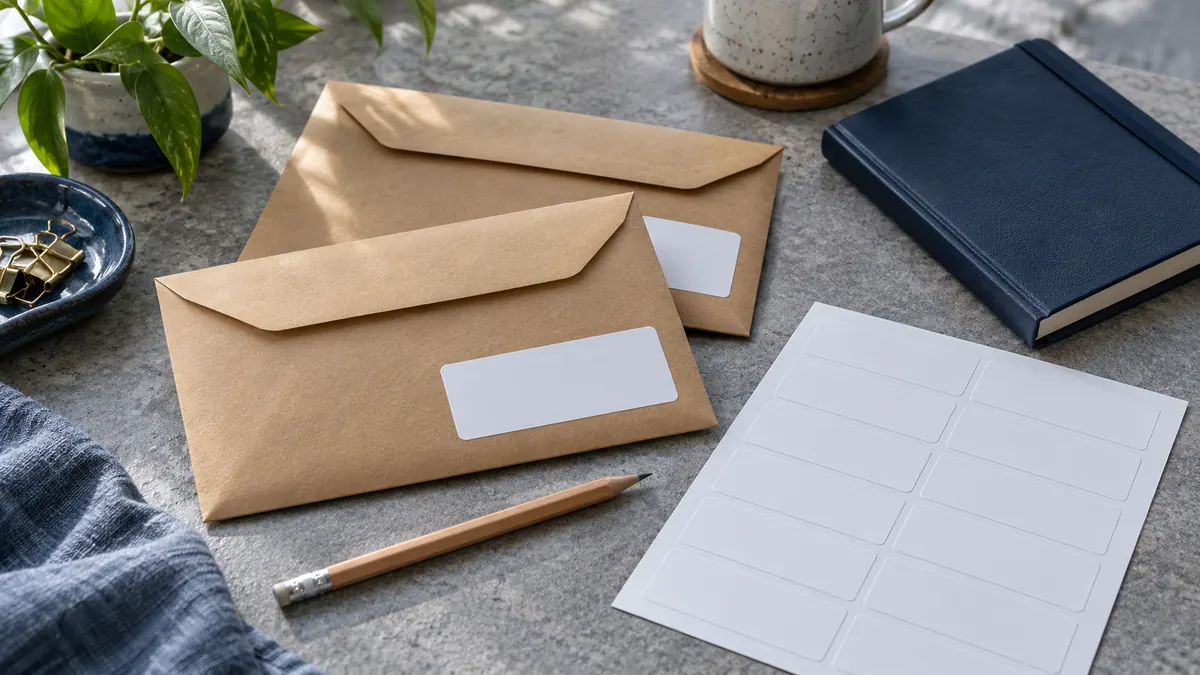
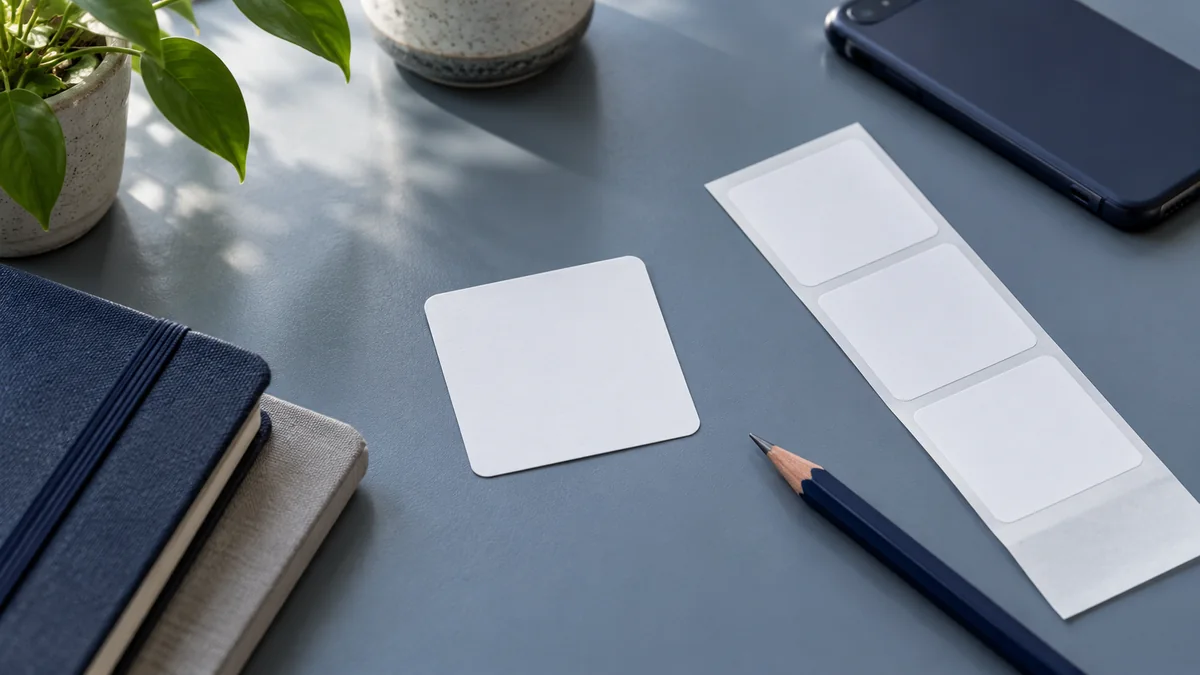
Custom printed candle labels are available in sheet and roll formats. Those are delivery-format options; they do not establish that a purchased roll fits a particular desktop printer or applicator.
For a hypothetical seasonal collection, compare two plans: produce each revised scent label in-house, or order the final artwork after the collection is settled. A hybrid plan could keep changing information separate from a fixed design, provided the proposed layout and application process are checked together.
Compare the complete job, not just the advertised machine price. Build a worksheet with equipment, label stock, ink or ribbon where applicable, sample runs, rejected prints, setup time and application time. For outsourcing, record the quote, quantity, artwork revision terms, delivery format and lead time. Fill the worksheet with actual quotes and trial observations; no universal break-even quantity is assumed here.
Test the layout before printing a full batch
For sheet-label templates, match the page size to the label sheet and check that PDF scaling is set to 100% or Actual Size. Treat these as sheet-layout settings, not instructions to apply unchanged to a roll printer.
Use the instructions for the exact stock and printer when selecting paper type, print quality and feeding options. Those settings vary with the equipment and media.
The measured paper mock-up can serve as the size reference when checking the printed layout against the container. It remains a fit check rather than an adhesive-performance test.
Plan a small trial before committing to a production quantity. Review the actual-size text, edges and intended information. Check each fragrance variant rather than only the shortest name. Include the design with the most text in the proposed trial.
Record the selected file, template, media and settings. Note the time involved in preparing, printing and applying the trial batch, together with any rejected labels. Use that record to decide what needs adjustment before a larger run, while keeping layout observations separate from long-term durability questions.
A buying checklist for a candle label maker
Before requesting quotes or comparing equipment, prepare a one-page specification:
- Container and intended label position.
- Finished label dimensions and shape.
- Actual artwork, desired colors and smallest text.
- Fields that change between fragrances or batches.
- Proposed label stock, adhesive and printing method.
- Supplier confirmation for the exact media and equipment combination.
- Intended storage, handling and use conditions.
- Trial quantity and the observations to record.
- Repeat-batch workload and a complete production-cost worksheet.
- An in-house, outsourced or hybrid plan to compare.
The best label maker for candles is a selection question, not a single-model answer. Use the specification to narrow the options, obtain a representative sample, and compare the work required for the next batch. A machine name comes last—after the label and workflow requirements are clear.