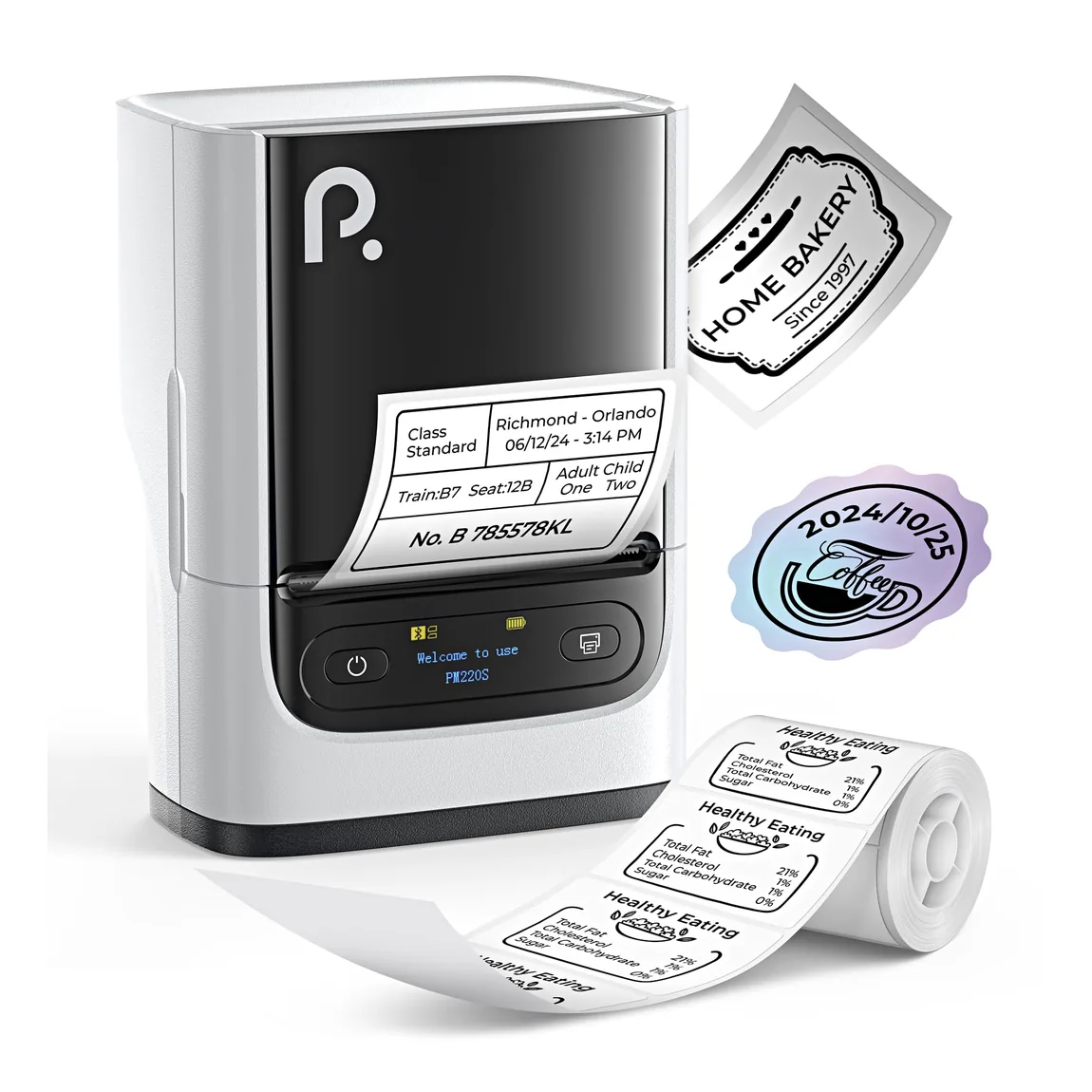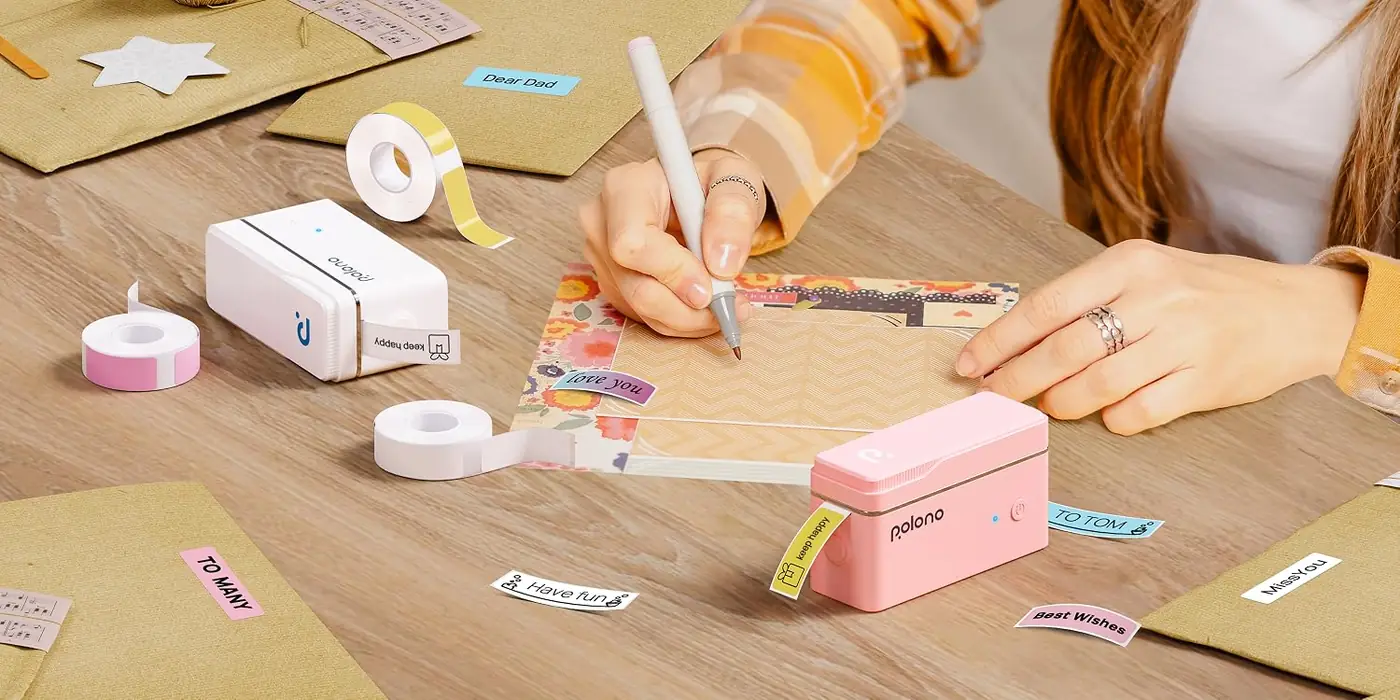
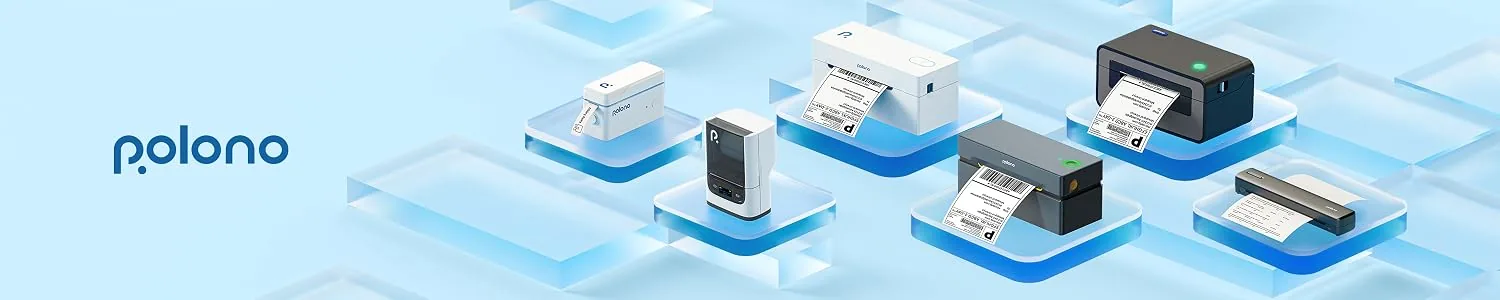
The phrase “label maker” covers several different tools. Some create one character at a time with a mechanical wheel. Others provide a keyboard and display. Still others depend on a phone, computer, or business system for label design. They may also use completely different print processes.
That creates a common classification problem: portable, app-connected, and direct thermal do not describe the same thing. The first describes form, the second describes an input workflow, and the third describes how an image is produced. This guide keeps those dimensions separate before bringing them together in a practical selection method.
A useful way to compare the types of label makers is to ask two questions: How is the label created and sent to the device? And how does the device put the image on the label? One documented desktop range, for example, supports an onboard keyboard, a smartphone app, and computer software within the same device family. That shows why input workflow should not be treated as a single, exclusive printer type.
Key takeaways
- Classify the device by workflow first: manual, standalone, app-connected, desktop, or industrial.
- Classify the print process separately from the device workflow.
- Begin selection with the labeling job, not a list of models.
- Verify media compatibility, input method, portability, volume, label life, and ongoing supplies before buying.
Two Ways to Classify Label Makers
The two-axis framework is an editorial tool, not a universal industry standard. It is useful because a single device may belong to several categories at once. A compact unit could be portable, app-connected, and direct thermal. A desktop unit could offer both a built-in keyboard and computer software while using a tape-based thermal process.
The workflow axis describes where label content is created: mechanically on the device, electronically with onboard controls, in a mobile app, on a computer, or through a connected business process. The print-technology axis describes how the image is formed. Because one documented desktop range combines multiple input methods, the workflow categories can overlap instead of forming a mutually exclusive list.
Keeping those axes separate makes later comparisons more useful. It prevents a connectivity feature from being mistaken for a printing method and keeps a form factor such as “handheld” from being treated as a statement about durability, media, or output life.
Types by Device and Workflow
This first group answers a practical question: where will the user create the label, and how will the device fit into the work? The categories progress from fully manual tools to systems designed for connected or specialized tasks.
Manual Embossing Label Makers
A manual embosser forms raised characters rather than printing them electronically. The operator turns a character wheel until the desired symbol is selected, squeezes a handle to emboss it, advances the tape, and repeats the process one character at a time.
This workflow favors short, simple labels where a computer, app, battery, or software library is unnecessary. The character wheel determines what can be entered, and the manual sequence makes long text or frequently changing layouts less convenient. Its appeal is the direct physical process, not digital design flexibility.
Standalone Keyboard Label Makers
A standalone electronic label maker places the essential creation controls on the device. Documented examples combine a display, QWERTY keyboard, onboard memory, preview or function controls, and direct printing, allowing basic labels to be created without a phone or computer.
This class suits work that benefits from immediate text entry at a desk, shelf, stockroom, or jobsite. The important comparison points are not simply whether a keyboard exists, but how much can be edited on the device, which media it accepts, how it is powered, and whether frequently used layouts can be recalled.
App-Connected Compact Label Makers
An app-connected device moves most label composition to a phone or tablet. That can make templates, symbols, images, and variable layouts easier to manage on a larger touchscreen. It also makes the app, mobile operating system, and connection method part of the ownership decision.
Connected label makers may support Bluetooth for mobile design and USB or another interface for computer software. When the specific device and software support them, these workflows can add templates, images, barcodes, databases, or more detailed layout controls beyond basic onboard editing.
Bluetooth is therefore a connectivity feature, not a print technology. Two app-connected devices can use different media systems or printing methods, so the app experience should be evaluated separately from label durability and consumable compatibility.
Desktop and Roll Label Printers
Desktop systems cover a wide range of recurring jobs. Some are compact tape printers used for files, shelves, and equipment. Others use rolls of pre-sized or continuous labels for parcels, barcodes, inventory, or repeated business output. The suitable class depends on label dimensions, batch size, design source, cutting or sensing needs, and the media family accepted by the device.
Documented desktop workflows can combine standalone controls with mobile and computer design.
A job-first comparison also needs to consider media compatibility, input workflow, portability, volume, expected label life, and ongoing consumables.
“Desktop” describes placement and workflow more than one fixed output method. A desktop printer may use tape cassettes, rolls, direct thermal media, or another supported system. The label job still has to define the relevant format and process.
Industrial Handheld and Desktop Systems
Industrial systems are organized around the work environment and the label application. Portability may matter for labeling cables or assets in place, while a desktop industrial system may prioritize repeatable templates, databases, broader media handling, or integration with an existing workflow.
One official industrial handheld specification documents specialized media and controls for cable wraps, heat-shrink tubing, patch panels, terminal strips, serialization, barcodes, and database-driven labels. These are examples of industrial-task features rather than requirements shared by every industrial label maker.
The category should not be reduced to “more durable.” The real differentiators are whether the device, media, software, and controls match the task, environment, identification scheme, and required repeatability.
Types by Print Technology
The second axis concerns image formation. It cuts across the device categories above: handheld and desktop systems can share a print technology, while two similar-looking devices can use different processes and supplies.
Direct Thermal Printing
Direct thermal printing uses a thermal printhead to activate heat-sensitive label material. It does not require a separate ink, toner, or transfer ribbon to create the image.
The simplified supply path is useful for many short-life or operational labels, but the application still determines whether it is a good fit.
Direct-thermal output is generally more sensitive to extended heat or sunlight exposure than a correctly matched thermal-transfer system. Label life, handling, and environmental exposure should therefore be checked against the exact media specification rather than assumed from the words “thermal label.”
This is not a universal lifespan rule. Coatings, adhesives, storage, abrasion, temperature, light, and the specific stock can all change real-world performance. The right question is whether the selected media remains readable for the required service period under the actual conditions.
Thermal Transfer Printing
Thermal transfer printing heats a ribbon so its imaging compound transfers to the label material. The ribbon is therefore an additional supply that must work with both the printer and the selected media.
When ribbon and media are properly matched, thermal transfer is intended for applications that need a longer service life or must tolerate more demanding conditions than a typical short-life direct-thermal job. The actual result still depends on the complete ribbon, label material, adhesive, and environment.
That makes thermal transfer a system choice rather than a single durability guarantee. It adds another consumable and another compatibility check, but it also expands the range of materials and use conditions that can be considered.
Inkjet and Laser Label Printing
Inkjet and laser workflows broaden the topic beyond compact tape and roll devices. They may involve ordinary office printers and compatible label sheets, or dedicated production equipment for color or document-style output.
Inkjet printers deposit liquid ink through small nozzles, while laser printers position toner and use heat to set it. Either process can be used for labels when the stock is made for that printer type.
The label material must be rated for the printer technology unless its packaging explicitly says it supports both inkjet and laser. Coatings designed to absorb ink and materials designed to tolerate a laser printer’s heat are not automatically interchangeable, so the printer manual and label packaging should be checked before use.
This context is especially helpful for the secondary phrase “laser label maker.” In many cases, the useful comparison is not a handheld laser device but a laser-printing workflow using compatible label stock. The job may call for sheets, full-page layouts, or repeated text output rather than a compact tape maker.
How to Choose the Right Type
The most reliable starting point is the label job. A category name becomes useful only after the required output and workflow are clear.
A practical selection sequence covers six areas: the label format and compatible media; where the design will be created; whether the device must travel; the expected print volume; the required service life and environment; and the ongoing supply system.
- Define the label. Record the required width, length or shape, content, and whether the job needs individual labels, continuous tape, rolls, sheets, or specialized media.
- Choose the input workflow. Decide whether labels must be created directly on the device, on a phone, on a computer, or from stored templates and data.
- Set the portability requirement. A tool used beside cables, bins, or equipment has different constraints from a printer that stays at a shipping station.
- Estimate repetition and volume. Occasional one-off text, repeated batches, and database-driven output favor different controls and media handling.
- Define service conditions. Consider how long the label must remain readable and whether it will face heat, light, moisture, chemicals, abrasion, cold, or frequent handling.
- Check the supply path. Confirm the exact compatible media, ribbon if required, sizes, availability, and the effort involved in changing or reordering supplies.
| Type | Input workflow | Best question to ask |
|---|---|---|
| Manual embosser | On the device, one character at a time | Is simple, fully manual output enough? |
| Type | Input workflow | Best question to ask |
|---|---|---|
| Standalone keyboard maker | Onboard keyboard and display | Can the needed layout be created on the device? |
| Type | Input workflow | Best question to ask |
|---|---|---|
| App-connected compact maker | Phone, tablet, or supported computer software | Are the app, interface, and operating system suitable? |
| Type | Input workflow | Best question to ask |
|---|---|---|
| Desktop or roll printer | Device, phone, computer, or business software | Do format, batch size, and input source match the job? |
| Type | Input workflow | Best question to ask |
|---|---|---|
| Industrial system | Onboard controls, software, templates, or databases | Does the system support the specialized application? |
| Print process | Consumable pattern | Best question to ask |
|---|---|---|
| Direct thermal | Heat-sensitive media; no ribbon | Does the media suit the required service life and environment? |
| Print process | Consumable pattern | Best question to ask |
|---|---|---|
| Thermal transfer | Compatible label media plus ribbon | Are the ribbon, media, and device matched? |
| Print process | Consumable pattern | Best question to ask |
|---|---|---|
| Inkjet or laser | Liquid ink or toner with compatible stock | Is the label material rated for the printer technology? |
The table compares workflows, not products. A specific device may span more than one row, and its print technology still needs to be checked separately.
Common Labeling Scenarios
For a few short shelf or storage labels created at the point of use, a manual embosser or standalone keyboard device may keep the workflow simple. If layouts change frequently or need richer design controls, an app-connected device may be more practical.
For repeated shipping, barcode, inventory, or address output, the decision usually moves toward a desktop roll workflow. The essential checks are the required label size, compatible roll format, software or system input, batch handling, and the expected life of the printed information.
For labels exposed to extended heat, sunlight, or a longer service period, print process and exact media become central selection criteria. A thermal-transfer system may be considered when a matched ribbon and media combination fits those conditions, while short-life protected jobs may be compatible with direct thermal media.
For specialized field work, an industrial system should be evaluated by its application controls, media range, portability, and data workflow rather than by the word “industrial” alone.
When considering an inkjet or laser workflow, the label stock should be explicitly compatible with the printer technology.
Final selection checklist
- What exact label dimensions and format does the job require?
- Which media are approved for the device and application?
- Will labels be designed onboard, on a phone, on a computer, or from stored data?
- Must the device be handheld or can it remain at a workstation?
- Is the job occasional, repeated, or high-volume?
- How long must the label remain readable, and what will it encounter?
- Does the process require a ribbon, ink, toner, or only compatible heat-sensitive media?
- Are the required supplies easy to identify and reorder?
There is no single best label maker type for every task. The useful choice is the system whose workflow, print process, media, and supply path all match the job—without relying on one feature name to answer every question.